

Codex On Mobile: Approval Is Now A Runtime Surface
By wGrow Project Team ·
When OpenAI extended Codex into the ChatGPT mobile app, early coverage framed screen size as the core constraint — whether engineers would write Python on a touchscreen. They will not. That is not what is happening.
The shift is not about input method. It is about who holds runtime authority over an agent crew, and where they happen to be standing when the agent calls for permission to proceed.
The Approval Surface Problem
Agentic development has broken the pair-programming model. When a coding agent can spin up a branch, run a test suite, and open a pull request without a human in the loop, the human engineer is no longer a co-author. They are a supervisor clearing a queue.
That queue does not pause because you are on the MRT between Raffles Place and City Hall.
The relevant question is not “can I write code on this phone?” It is “what decisions can I safely make on this screen without causing a production incident?” That is a harder question. It is also the one worth asking. OpenAI’s mobile Codex surface is interesting precisely because it forces engineering teams to confront the second one — and most teams have not been pushed to think carefully about it yet.
Six Inches Of Blast Radius

A phone screen is a triage filter, and a useful one. You cannot hold a multi-file dependency graph in your head while reading a six-inch diff summary on a crowded train. The screen enforces brutal summarization. Either the agent’s request fits in one scroll, or the decision waits.
What fits: integration test pass/fail counts, log summaries flagging specific errors, constrained diffs touching two or three files with no schema changes, deployment status transitions from staging. These are binary. Green or red. Approve or block.
What does not fit: database schema migrations, architectural changes that cross service boundaries, anything requiring you to hold a mental model of current production state. If an agent surfaces a schema change for mobile approval, that is not a mobile problem. That is a workflow design failure — the agent should not have reached that decision point without a prior desk review.
The six-inch screen is not a limitation to work around. It is a legibility test for your agent’s output formatting.
How We Actually Run This
| 1 | AGENT: backend-swarm | |
| 2 | TARGET: staging/auth-svc | |
| 3 | DIFF: +12 -4 (1 file) | ← ① |
| 4 | TESTS: PASS (24/24) | |
| 5 | RISK_LEVEL: LOW | ← ② |
| 6 | ||
| 7 | [APPROVE] [REJECT] | ← ③ |
| 8 |
- ① Syntax abstracted to blast radius
- ② Agent-assigned risk assessment
- ③ Binary state transition
At wGrow, our internal agent swarms handle routine backend updates: content sync jobs, scheduled data pulls, minor API integration patches. They do not wait for an IDE session. They post state transitions to a dedicated Slack channel and wait for a response.
The approval payload follows a fixed schema. Agent ID, action requested, files affected, test summary, and a two-button response: approve or escalate. The escalate path routes to a desk review queue. It does not ask the reviewer to make a complex decision inside a notification pop-up.
Designing that payload is engineering work done once, not review work done every time. If a reviewer has to dig into the thread to understand what the agent wants, the payload is wrong.
This works for a team of two or a team of twenty, but it demands deliberate design before the first agent goes to production — not after the first incident. For Singapore founders managing client-facing agent pipelines: your approvals will happen between meetings, in a Grab, on the way into a client office. Design for that reality. Binary state transitions. One scroll. No secrets in the payload.
The Hard Stops
Convenience stops at compliance. The mobile surface has three hard limits that hold regardless of how mature your tooling gets.
Never handle secrets on a mobile approval. Credentials, API keys, anything that should live in a vault does not appear in a Slack message or a mobile push notification. If an agent’s approval payload includes a secret, the workflow is broken. Fix the workflow.
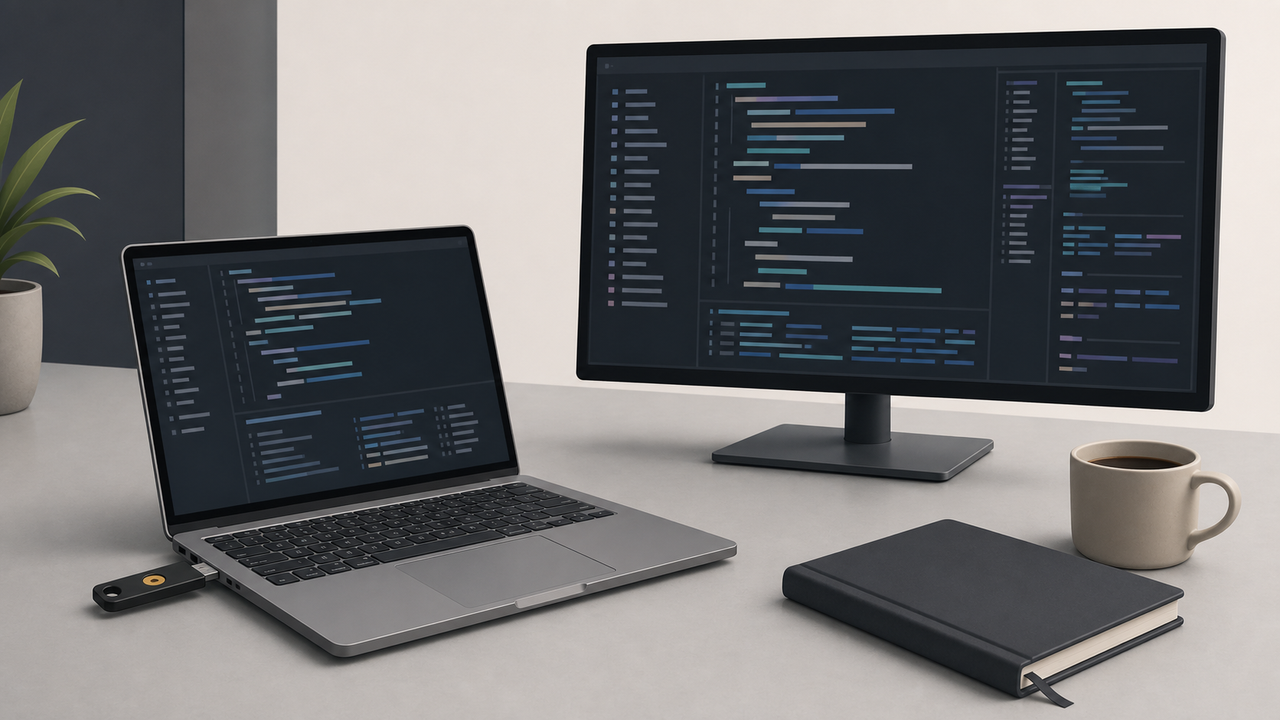
Production deployments do not happen on phones. Our deployment rules for projects under government SLA requirements are explicit: production approvals require a desk, hardware authentication, and a full audit trail. A phone screen is an acceptable surface to clear a staging test suite. It is not an acceptable surface to authorize a production credential rotation.
Complex architectural decisions wait. If the agent has surfaced something requiring architectural judgment, that is a flag, not an approval. Route it to the desk queue. A phone approval under time pressure on an architectural question is how you accumulate technical debt you cannot explain later.
These are not phone-specific rules. They are rules that mobile approval surfaces make unavoidable. A developer sitting at a desk can still approve the wrong thing under pressure. The phone just makes the pressure visible.
The Bifurcation
Something is splitting in how we work, and it happened faster than most teams noticed. The IDE remains the workbench for creation, debugging, and architectural thinking. Mobile apps — not just Codex, but the broader wave of agent management interfaces arriving across the industry — are becoming the manager terminal for runtime agent supervision.
If you build or manage AI agent crews, design their output states for this reality now, not after your first production incident.
The test is simple: can your reviewer parse the agent’s request on a phone in under 30 seconds and make a safe decision? If not, the agent is failing at abstraction. Not the reviewer. Not the phone.